> For the complete documentation index, see [llms.txt](https://docs.7k.ag/llms.txt). Markdown versions of documentation pages are available by appending `.md` to page URLs; this page is available as [Markdown](https://docs.7k.ag/7k-lp-pro/automation.md).
# Automation
LP Pro Automation Features: Optimize Your Liquidity Provision
## Overview
Liquidity Providers (LPs) often have to perform continuous manual operations to optimize profits, protect assets, and control risks associated with providing liquidity. Executing tasks like claiming rewards, reinvesting, rebalancing, or exiting a pool manually is time-consuming and risks missing critical opportunities.\
The Automation features—**Auto Compound**, **Auto Claim**, **Auto Rebalance,** and **Auto Exit**—are designed to help LP Pro users:
* Save time.
* Optimize profits.
* Proactively control risk.
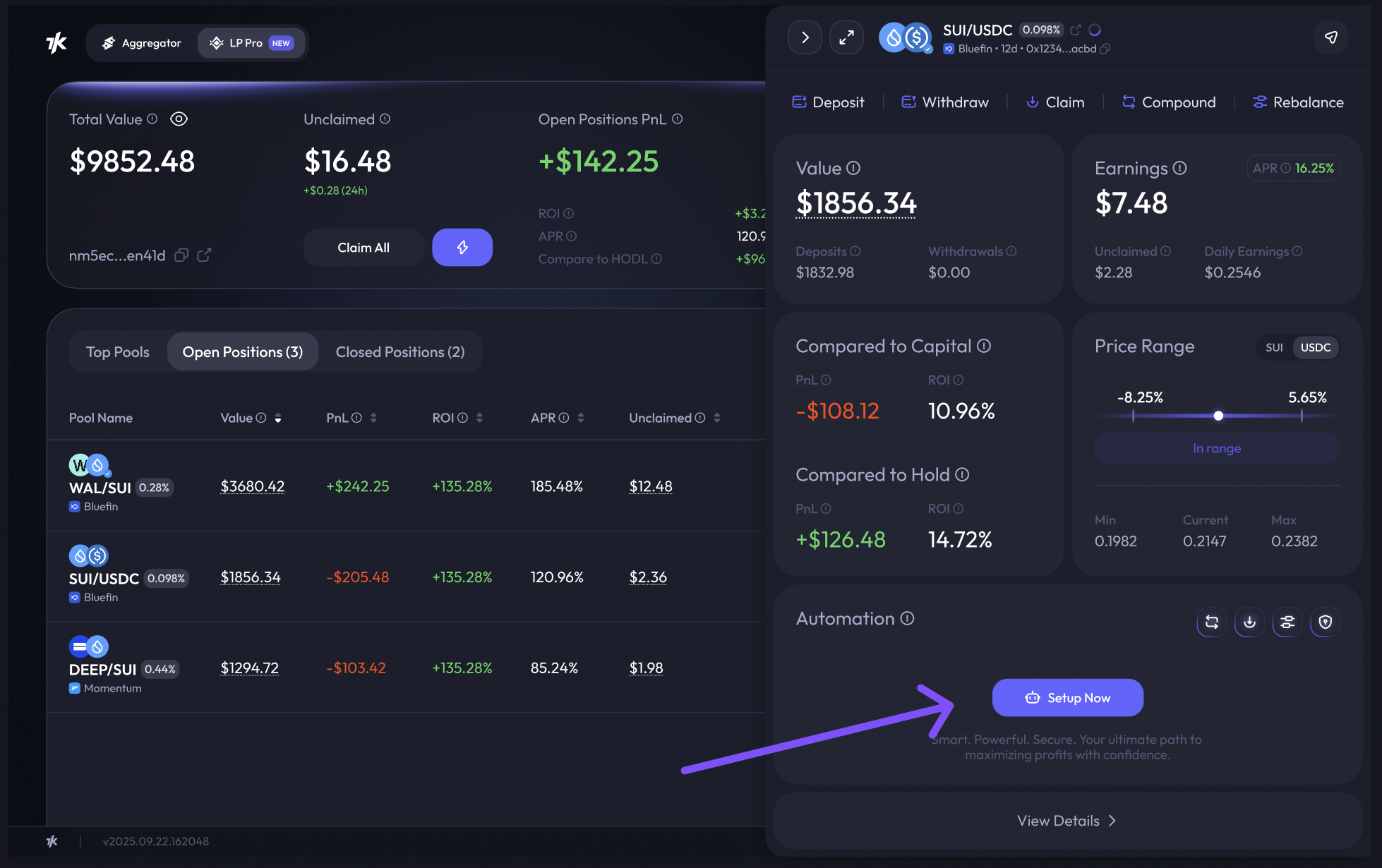
## How to Set Up Automation
Currently, there are **2 ways** to set up automation:
**From the Open Positions page**
* Go to **LP Pro**, open the **Open Positions** tab.
* In the **Automation** column, click **Setup** for the position you want.
* Select the automation type and configure your triggers.
**From Position Details**
* Click on a position to open its detail view.
* Go to the **Automation** section.
* Select the automation type (Compound, Claim, Rebalance, or Exit) and define your conditions.